INFINITEPROBE
SUPPORT

How Can We Help?

Getting started, documentation, and answers — everything you need to get from unboxing to first cook.

§ 01 · GETTING STARTED03 STEPS

From Box to First Cook in Minutes

01
Download the app
Free for iOS and Android — or scan the QR code on the package. No account required.
02
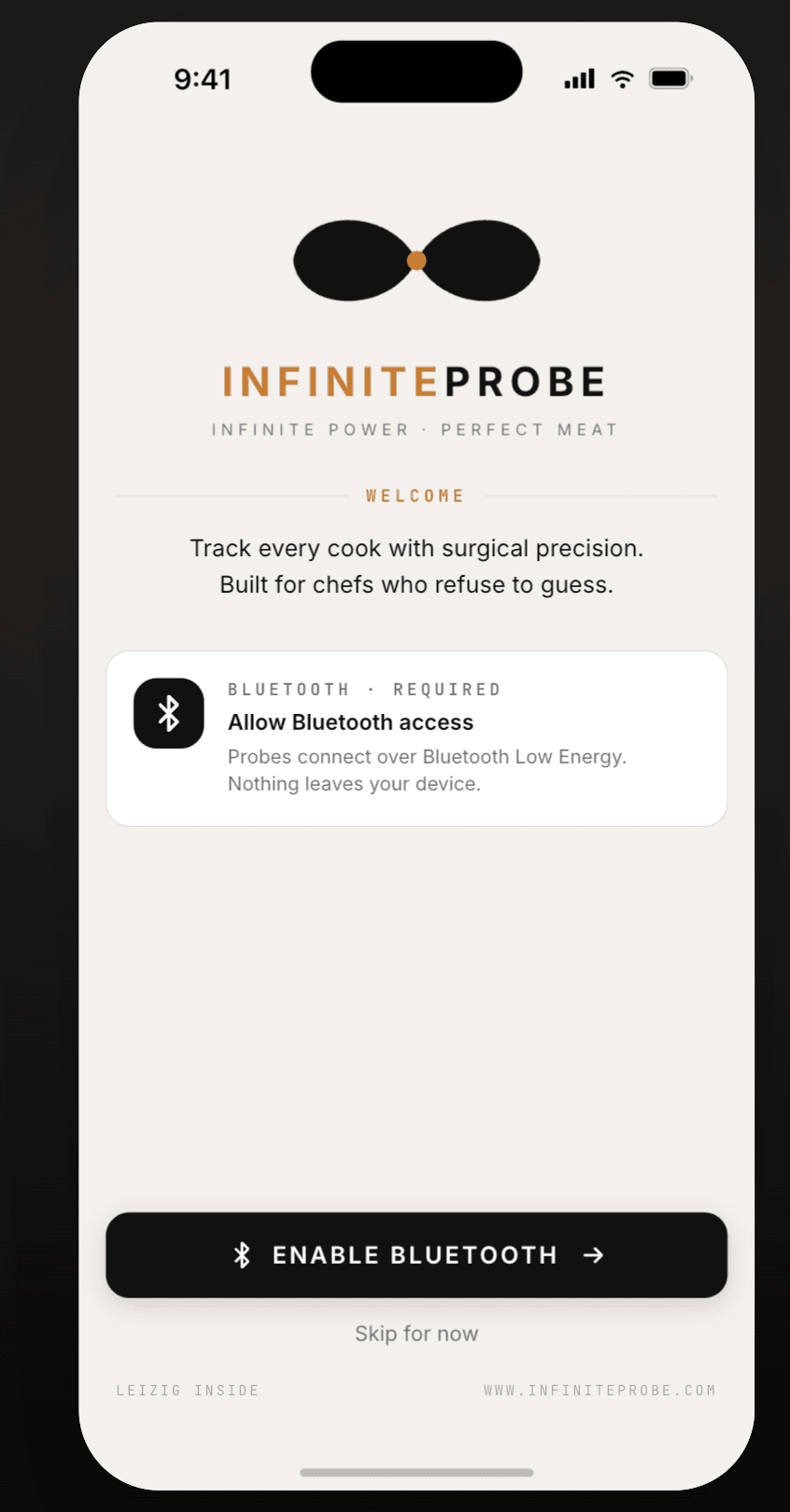
Enable Bluetooth
The app walks you through it on first launch. Probes connect over Bluetooth Low Energy; nothing leaves your device.
03
Wake the probe and tap to pair
Wake a probe, tap the pairing card, and it appears on your home screen — ready to be named, assigned a cut, and put to work.
APP STORE▷ GOOGLE PLAY
InfiniteProbe app welcome screen — enable Bluetooth
§ 02 · DOCUMENTATION
PDF
User Manual — Full Edition
Complete guide: pairing, probe placement, range and signal, cooking library, care and cleaning.
PDF
Quick Start Guide
The three steps above, on one printable page — the same guide that ships in the box.
§ 03 · FAQ

Asked Before You Ask

Before use, simply pick up the probe and tap the minimum insertion line to wake it up and connect it to the mobile app via Bluetooth. Once the probe is placed in an oven or touches a heat source, the internal thermoelectric core immediately converts the temperature difference into electricity, continuously powering the sensor and Bluetooth throughout the entire cook.
§ 04 · STILL STUCK?

Talk to a Human

Write to us and we'll get back within one business day.

one@infiniteprobe.com